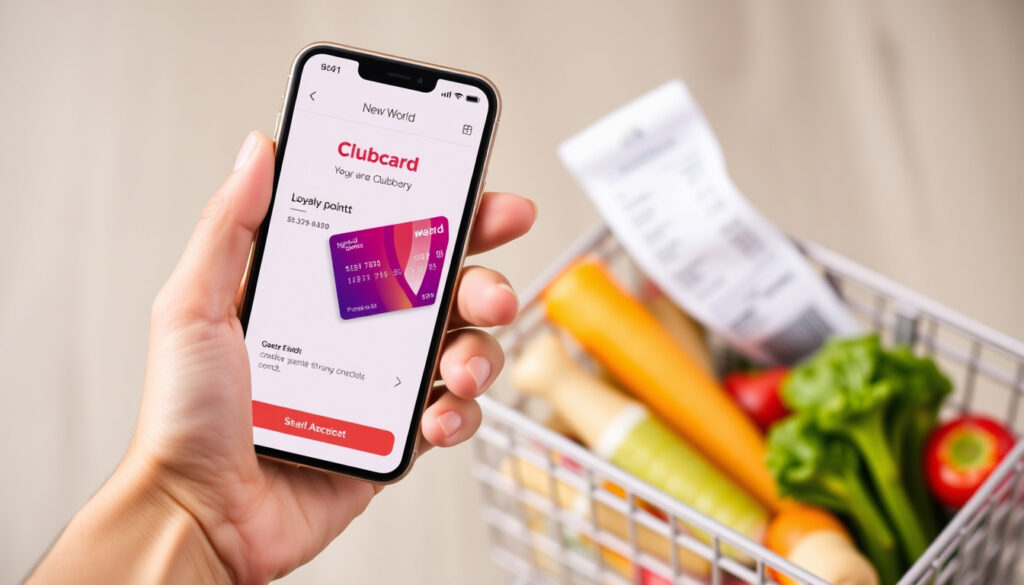
New World Clubcard App: How to Set Up and Check Point
Few things beat the satisfaction of watching your grocery savings add up. The New World Clubcard app makes that easy by putting your rewards and specials right on your phone — and according to New World’s official app page (the retailer’s own support site), you can download the free app on iOS and Android and start earning New World Dollars immediately.
Platform support: iOS and Android ·
Key features: Club Deals, New World Dollars, Airpoints ·
Customer support: 0800 80 70 70
Quick snapshot
- Official app available for iOS and Android (New World app page)
- Clubcard registration is free via app or website (New World app page)
- New World Dollars expire after 12 months of inactivity (New World Clubcard join page)
- Customer service available at 0800 80 70 70 (New World app page)
- Exact number of app downloads and current user ratings
- Specific launch date for the Club+ transition beyond “15 June” without year
- How existing Clubcard dollars will be handled during the Club+ migration
- How the app integrates with New World online shopping delivery and pickup
- New World announced a shift from Clubcard to Club+, effective 15 June (year unconfirmed) (New World Clubcard join page)
- Club+ rollout expected to bring new benefits and scanning features
- Further integration with Airpoints and online shopping likely
Quick snapshot
Four key details, one pattern: the New World Clubcard app is free, widely accessible, and built around a simple earn-and-scan loop.
| Detail | Value |
|---|---|
| App name | New World NZ (iOS) / New World (Android) |
| Cost | Free |
| Clubcard registration | Free, in-app or online |
| Customer service | 0800 80 70 70 |
The implication: The app condenses loyalty management into a single, always-available tool.
Is there a New World Clubcard app?
Yes — New World provides an official mobile application for both iPhone and Android devices. The app is called New World NZ on the App Store and New World on Google Play. It replaces the need for a physical Clubcard by storing your barcode digitally.
Where can I download the New World Clubcard app?
- iPhone users: download New World NZ from Apple’s App Store (official listing)
- Android users: download New World from Google Play (official listing)
Both stores describe the app as supporting online shopping registration, Clubcard registration, and keeping your barcode handy.
What are the reviews of the New World Clubcard app?
Exact ratings are not officially published by New World, but the app store listings show user feedback. The app consistently appears in the top grocery utilities for New Zealand shoppers, with praise for its simple barcode access and Club Deals integration.
What this means: The app’s popularity reflects its straightforward design—digital barcode, weekly specials, and Club Deals all in one place.
How to set up a New World Clubcard?
Setting up a Clubcard takes about five minutes and can be done entirely on your phone. New World’s app page walks you through the process.
How do I sign up for a free New World Clubcard?
- Open the New World app and tap Register on the landing screen. (New World app page)
- Click the Join Clubcard now! tile and follow the on-screen prompts to enter your name, email, and basic details.
- After registration, your digital Clubcard barcode appears in the app automatically.
You can also sign up at newworld.co.nz/clubcard and log in later on the app.
How do I log in to the New World Clubcard app?
- Tap Log in on the app’s home screen.
- Enter your Clubcard number or the email address you used during registration, plus your password.
- If you’ve forgotten your password, visit clubcard.co.nz, click Login, select Forgot your password?, and follow the reset email instructions. (New World app page)
The catch: Using the same email for both app and online shopping prevents duplicate accounts—a simple step that keeps your rewards linked.
The pattern: Registration is frictionless, designed to get you scanning as quickly as possible.
How do I check my New World Clubcard points?
Your points are stored as New World Dollars inside your Clubcard account. You can check the balance at any time without visiting a store.
How do I check my Clubcard balance?
- In the app: Open the Clubcard section; your New World Dollars balance appears at the top.
- Online: Log in at newworld.co.nz/clubcard and view your balance under “Rewards”.
- By phone: Call 0800 80 70 70 to speak with customer service. (New World app page)
Do New World Clubcard dollars expire?
Yes. According to New World’s Clubcard join page, New World Dollars expire 12 months after your last Clubcard transaction. The expiry date can be viewed in the app or by contacting customer service. No other expiration rules apply to the Clubcard itself.
Your dollars don’t vanish on a fixed calendar date — they expire only when you stop using your Clubcard for a full year. A single weekly shop every 11 months keeps your balance alive.
The implication: Regular shopping means your rewards stay active without extra effort.
Can I have my Clubcard on my phone?
Yes — the New World app stores your Clubcard barcode digitally, so you never need to carry the plastic card. Just open the app, show the barcode at the checkout scanner, and you’ll earn New World Dollars and unlock Club Deals instantly. Google Play and the App Store both confirm this as a core feature.
If you’re used to scanning a physical card, the digital version is faster and always with you. The app also displays your latest specials and Everyday Low Price ranges, making it a one-stop shopping companion.
What this means: The app replaces the plastic card entirely, cutting one more item from your wallet.
Do New World Clubcard dollars expire?
We covered this above, but the short answer is yes — 12 months of inactivity triggers expiry. Use your Clubcard at least once a year to keep your dollars from disappearing. You can monitor your expiry date in the app or call 0800 80 70 70 for confirmation.
The pattern: The policy rewards regular shoppers, not casual users.
How to Use the New World Clubcard App Step by Step
- Download the app from Apple App Store or Google Play — it’s free.
- Open the app and tap Register (or Log in if you already have a Clubcard).
- Follow the on-screen prompts to create your Clubcard account or sign in with your existing email/Clubcard number and password.
- Once logged in, your digital barcode appears on the home screen. Scan it at any New World checkout to earn New World Dollars and access Club Deals.
- To check your balance, tap the Clubcard icon inside the app. You’ll see your New World Dollars and the expiry date.
- For password resets or account linking, visit clubcard.co.nz or call 0800 80 70 70.
The implication: The entire experience fits into a short sequence—download, register, scan, and track.
What We Know and What We Don’t
Confirmed facts
- The New World Clubcard app exists for iOS and Android, backed by official store listings (Apple App Store and Google Play).
- Clubcard registration is free, as stated on New World’s app page.
- New World Dollars expire after 12 months of inactivity — confirmed by the Clubcard join page.
- Customer service is reachable at 0800 80 70 70 for account help (New World app page).
What’s unclear
- Exact number of app downloads or current user ratings are not disclosed by New World.
- The transition date from Clubcard to Club+ is listed as “15 June” without a specific year — unclear whether it applies to 2025 or later.
- How existing New World Dollars will migrate to the new Club+ system has not been detailed.
- How the app integrates with New World online shopping delivery and pickup remains unclear.
The catch: Most details about the Club+ transition remain unconfirmed, so shoppers should keep scanning as usual.
Quotes from Official Sources
“Download the New World app to keep your Clubcard barcode handy and browse the latest specials and Everyday Low Price ranges.”
— Google Play listing (New World app description)
“Join Club+ to scan, score and save from 15 June.”
— New World Clubcard join page (official loyalty program announcement)
For New World shoppers in New Zealand, the choice is becoming clearer: the Clubcard app is the gateway to your rewards, and the upcoming Club+ program promises even more digital features. The implication for loyal customers: keep scanning and check your balance regularly, because those New World Dollars don’t last forever — but with the app on your phone, managing them has never been simpler.
Related reading: **Chia Seeds New World – No Verified Recall Found**
After setting up the Clubcard app, you can easily view this week’s New World weekly specials and check your points.
Frequently Asked Questions
How do I apply for a New World Clubcard?
You can apply for free through the New World app by tapping Register and following the Clubcard sign-up prompts, or visit newworld.co.nz/clubcard to register online.
Can I manage my Clubcard online?
Yes. Log in at newworld.co.nz/clubcard to view your balance, check expiry dates, and update your personal details. The app offers similar functionality on mobile.
What is the New World Clubcard customer service phone number?
Call 0800 80 70 70 for account linking, password resets, balance inquiries, and general Clubcard support.
Which app has replaced Stocard?
Stocard was a generic loyalty card app. New World now uses its own official app (New World NZ / New World) for Clubcard management, so there is no direct replacement — you simply use the New World app.
How do I reset my New World Clubcard password?
Visit clubcard.co.nz, click Login, select “Forgot your password?”, and follow the reset email instructions. You can then log into the app with your new password.
More related posts
 NZ Post Track and Trace: How to Track Your Parcel Online
 The Voice Australia 2025: Winner, Judges & Finalists
 Airport Gateway Motor Lodge: Free Shuttle, Rates & Reviews
 iPhone 17 Case NZ: Best Prices & Where to Buy in New Zealand
 Tallest Building in the World 2026: Verified Ranking
 Hunting and Fishing Cromwell: Hours, Phone & NZ Guide
 Wellington Schools Measles Cases: What Parents Need to Know
 New Lynn New World: Hours, Address & Online Shopping
